Building a business website has never been easier.
Platforms like Wix, Squarespace and WordPress allow almost anyone to create a website without being a developer. At the same time, businesses can hire a professional to design and build something specifically around their brand.
So which option actually makes sense?
The answer is not simply “hire a professional.”
For some businesses, building your own website is perfectly reasonable. For others, the time saved and better result of hiring someone can easily justify the extra cost.
Here is an honest comparison.
The short answer
If you are just starting, have a small budget and need a simple website with a few pages, building it yourself can work very well.
If your website needs to generate enquiries, represent an established business, connect with other systems or support more complex functionality, hiring someone becomes much more valuable.
Think of it this way:
A website builder gives you the tools. A professional helps decide what should actually be built with them.
Let's look at the main options.
Option 1: Wix
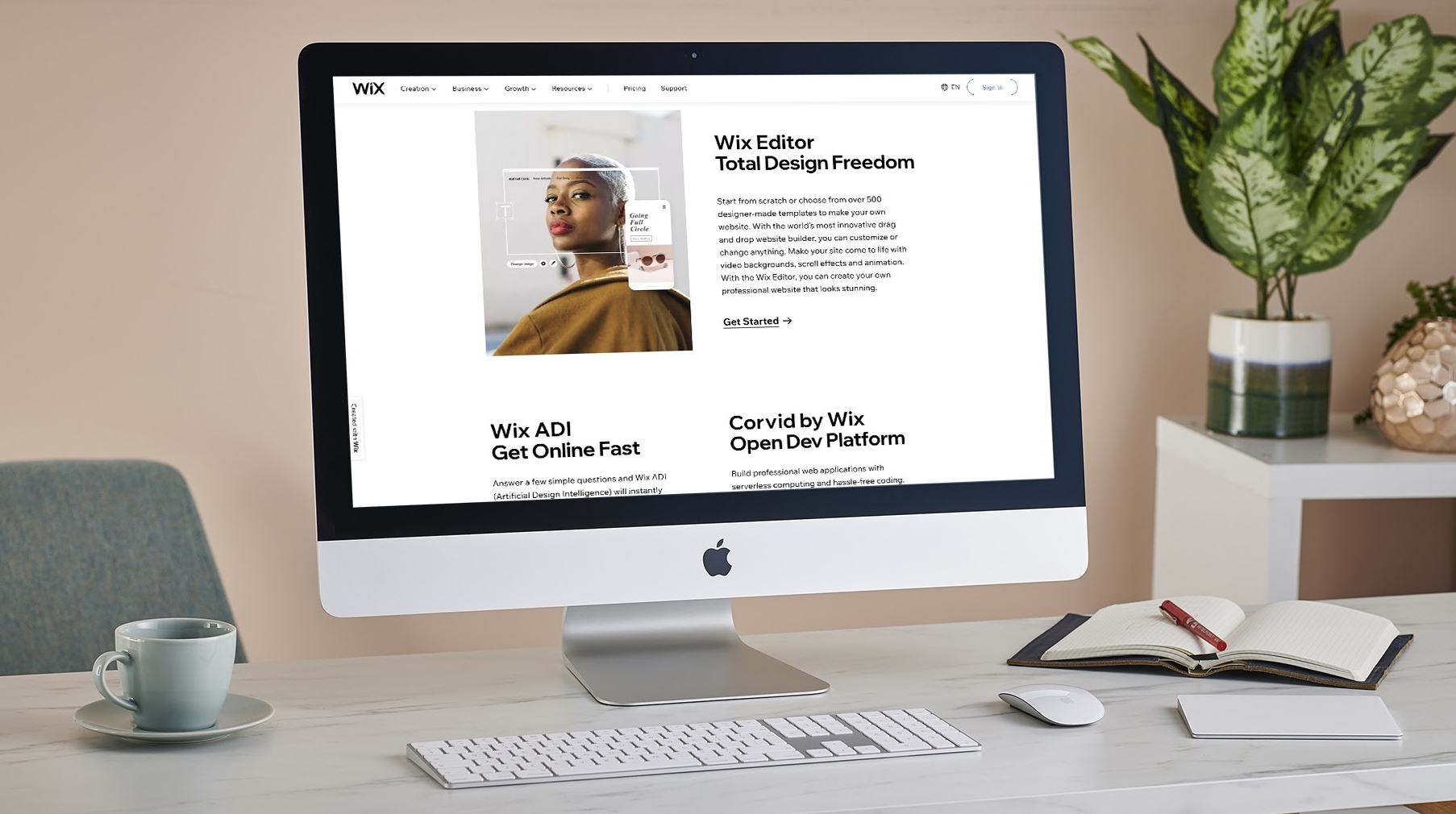
Wix is one of the easiest ways to build a business website yourself.
It provides templates, visual editing, hosting, domains, analytics and additional business features within one platform. Paid plans can also add functionality such as online payments and other business tools.
Wix is good for:
freelancers
small local businesses
simple service websites
portfolios
businesses that want to manage everything themselves
The biggest advantage is simplicity.
You can choose a template, replace the text and images, connect your domain and have a functioning website without touching any code.
Where Wix becomes limiting
The problem normally appears when you start wanting something very specific.
A template can get you 80% of the way there, but achieving the final 20% often becomes surprisingly time-consuming.
You might start adjusting spacing, mobile layouts, fonts, navigation and individual sections until what was supposed to be a quick website becomes a several-week side project.
Best choice if: you want a straightforward website and keeping the initial investment low matters more than having something completely custom.

Option 2: Squarespace
Squarespace sits in a similar category to Wix but tends to focus heavily on polished visual presentation.
It includes website templates, hosting and an integrated editor, with different plans depending on the functionality your website needs. Squarespace currently offers Basic, Core, Plus and Advanced website plans.
It can work particularly well for businesses where presentation matters.
Think:
photographers
architects
consultants
restaurants
interior designers
creative businesses
The advantage
You can get a professional-looking website relatively quickly without thinking about hosting, software updates or much of the technical infrastructure.
The disadvantage
You are still building inside somebody else's system.
If your requirements eventually go beyond what the platform comfortably supports, adapting the website can become more difficult.
Best choice if: you need a clean, visually strong website without complicated functionality.

Option 3: WordPress
WordPress is different.
WordPress itself is open-source software and can be extended using themes and plugins. It can be used for everything from relatively simple business websites to much larger websites and applications.
That flexibility is its biggest strength.
It is also its biggest weakness.
With WordPress, you need to think about things such as:
hosting
themes
plugins
updates
backups
security
compatibility
You can absolutely build a WordPress website without being a developer, particularly when using visual page builders.
But the more plugins and customizations you add, the more things you potentially have to maintain.
WordPress makes sense when:
You want significantly more control than Wix or Squarespace provides but do not necessarily want a completely custom-built website.
It can be an excellent middle ground.
Best choice if: flexibility and long-term expansion are important and you are comfortable managing a slightly more technical setup.
Option 4: Custom website development
Custom development starts from a different question.
Instead of asking:
“Which template should we use?”
you ask:
“What should this website actually do for the business?”
The design, pages, navigation and functionality can then be built around the answer.
That might mean something as simple as creating a cleaner path from Google search to contacting the business.
Or it might involve:
booking systems
customer portals
custom forms
multilingual content
CRM connections
automated follow-ups
dashboards
external APIs
custom calculators or tools
The advantage is flexibility.
You are not trying to make your business fit inside a predefined template.
The downside?
It costs more upfront.
For a brand-new business that simply needs its opening hours, services and contact information online, custom development may be unnecessary.
You do not need a Formula 1 car to drive to the supermarket.
But once your website becomes an important part of how customers discover, evaluate and contact your business, investing more into it becomes much easier to justify.
DIY website vs professional website
The biggest difference is often not technology.
It is time and decision-making.
Imagine you decide to build a website yourself.
First you choose a platform.
Then a template.
Then colours.
Then fonts.
Then page structure.
Then you write the text.
Then you find images.
Then you discover that the mobile version does not look quite right.
Then you spend Saturday evening moving a button five pixels to the left.
None of those tasks are impossible.
The question is whether that is the best use of your time.
If you enjoy working on your website, DIY can be a great option.
If you are spending 40 hours learning how to build something that a professional could handle while you work on your actual business, the “cheaper” option is no longer necessarily cheaper.
A simple way to decide
Build it yourself if:
your budget is very limited
you only need a few simple pages
your business is still being tested
you enjoy working with website builders
losing some time experimenting is not a major problem
Consider hiring someone if:
customers regularly discover you online
your current website does not represent your business properly
you need custom functionality
your website needs to connect with other tools
you want a more distinctive brand
you have already tried building it yourself and keep postponing it
your time is better spent running the business
Which platform is best for a small business?
There is no universal winner.
Wix: easiest starting point for many small DIY websites.
Squarespace: strong option when visual presentation and simplicity matter.
WordPress: better when flexibility and expandability are priorities.
Custom development: best when the website needs to fit the business rather than the business fitting the website.
The right decision depends less on which platform has the longest feature list and more on what the website needs to accomplish.
Don't build a website just to “have a website”
This is where many businesses go wrong.
They create five pages, add their logo and publish it.
Technically, they now have a website.
But that does not necessarily mean the website is useful.
A good business website should answer the questions a potential customer has:
What do you do?
Is this relevant to me?
Why should I trust you?
How much does it roughly cost?
What should I do next?
Whether those answers sit inside Wix, Squarespace, WordPress or a custom website matters far less than whether visitors can actually find them.
So, should you build it yourself?
If your business is new and you simply need somewhere professional to send potential customers, try building it yourself.
There is nothing wrong with starting simple.
Your first website does not need to be your final website.
But if your business already relies on its online presence—or you want the website to actively help generate customers rather than simply exist—professional development can become an investment rather than an expense.
The best website is not necessarily the one built with the most advanced technology.
It is the one that makes it easiest for the right customer to understand your business and take the next step.